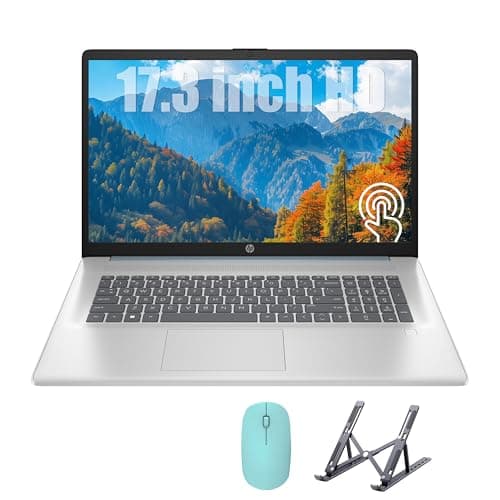
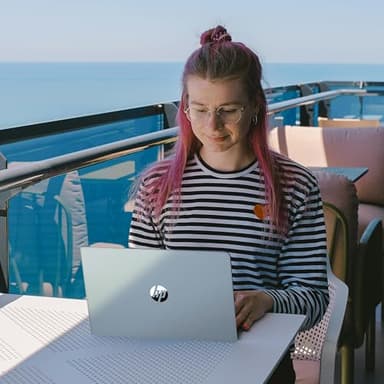
HP 17 Laptop, Intel Celeron N4120 Processor, 17.3’’ HD+ Touchscreen Display, 16GB RAM,1TB SSD, Intel UHD Graphics, Backlit Keyboard, Windows 11 Home, Fatcayes Accessory, Moonlight Blue (Renewed)
By HP
Last checked 9mo ago
(0 reviews)
0
$459
ASIN:
B0F8B4M787
Product ID:
89598
Price History
Current Price
$
Highest Price
$-Infinity
Lowest Price
$Infinity
Product Recommendation
Check out the HP 17 Laptop in Moonlight Blue! 🌙
Hey there! Looking for a reliable laptop without breaking the bank? The HP 17 Laptop might just be your go-to! Here's why it's worth a peek:
- ▶Smooth Performance: Powered by an Intel Celeron N4120 processor and 16GB of RAM, multitasking feels like a breeze.
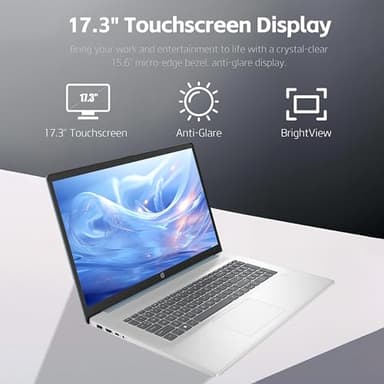
- ▶Spacious Touchscreen: The 17.3" HD+ touchscreen display delivers vibrant visuals for work and play.
- ▶Lightning-Fast Storage: With a 1TB SSD, you get ample storage and rapid data access.
- ▶Enhanced Features: Love working in the dark? The backlit keyboard has got your back!
At $459.00, this laptop offers great value for its specs. Plus, the Fatcayes Accessory is a sweet bonus! 🎉
Key Features
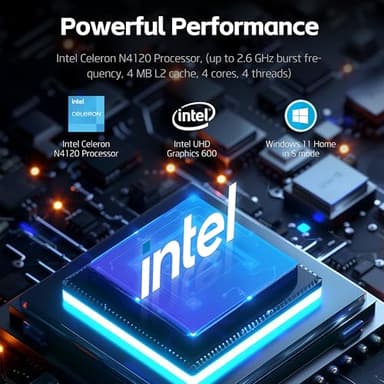
- ▶【Processor】: Intel Celeron N4120 (up to 2.6 GHz burst frequency, 4 MB L2 cache, 4 cores, 4 threads) with Intel UHD Graphics 600, this laptop delivers reliable performance for everyday computing tasks, from web browsing and document editing to multimedia streaming, ensuring smooth multitasking capabilities and responsiveness.
- ▶【17.3" Touchscreen Display】: Enjoy crisp and clear visuals on the spacious 17.3 touchscreen IPS anti-glare display, which ensures an immersive viewing experience with vibrant colors and wide viewing angles, perfect for both work and entertainment.
- ▶【Memory & Storage】: 16GB DDR4 RAM to smoothly run multiple applications and browser tabs all at once. 1TB PCIe SSD offers ample storage, lightning-responsive, fast data access, and improves the overall performance.
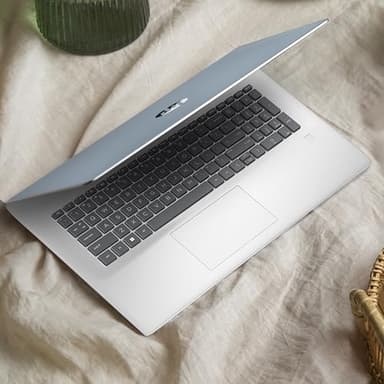
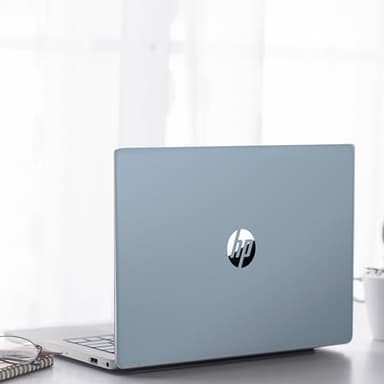
- ▶【Enhanced Usability】: The inclusion of a backlit keyboard allows you to work or play comfortably in low-light environments, providing convenience and visibility, while the Seafoam Teal color adds a touch of style and personality to your computing experience.
- ▶【Windows 11 Home in S mode】:Experience the most secure Windows ever with faster boot times, improved responsiveness, and added protection against phishing and malware. You can switch to regular Windows 11: press the "Start" button on the bottom left of the screen; select the "Settings" icon; select "System" and "Activation", then go to Store; select the "Get" option under "Switch out of S mode"; press Install.
![[2026 Upgraded] Mini Projector Support 4K 1080P FHD Auto Keystone 270° Rotatable with WiFi 6 and Bluetooth 5.2 Projector Portable Compatibile with HDMI/TV Stick/Memory Stick/Laptop,White](/_next/image?url=https%3A%2F%2Fm.media-amazon.com%2Fimages%2FI%2F51wWEUkWXVL._SL500_.jpg&w=640&q=75)