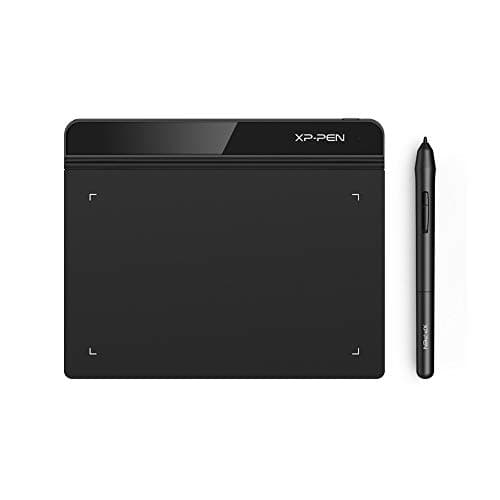
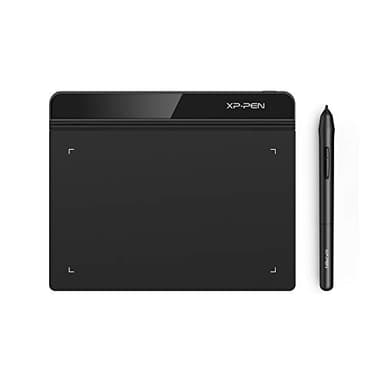
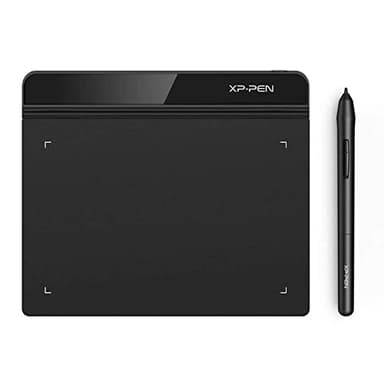
Drawing Tablet XPPen StarG640 Digital Graphic Tablet 6x4 Inch Art Tablet with Battery-Free Stylus Pen Tablet for Mac, Windows and Chromebook (Drawing/E-Learning/Remote-Working)
By XP-Pen
Last checked 4mo ago
(324 reviews)
0
$38.98
ASIN:
B078YR2MTF
Product ID:
52352
Price History
Current Price
$
Highest Price
$-Infinity
Lowest Price
$Infinity
Product Recommendation
Your New Creative Sidekick Just Got Affordable!
Hey friend! If you’re in the market for a super实用 digital tablet that doesn’t break the bank, the XPPen StarG640 is a total steal at $38.98. This little gem is perfect for artists, students, or remote workers who need something way better than a mouse.
Why you’ll love it:
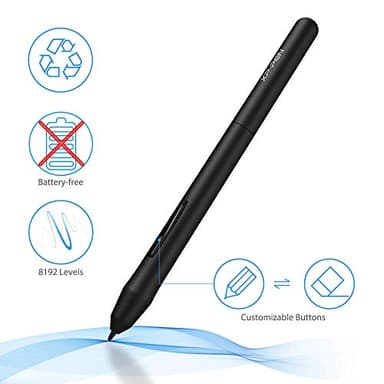
- ▶Battery-free stylus: The PN01 pen never needs charging, so you can draw, sketch, or take notes without interruptions. Lines are smooth and precise—like magic.
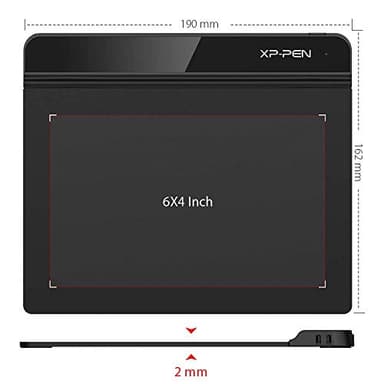
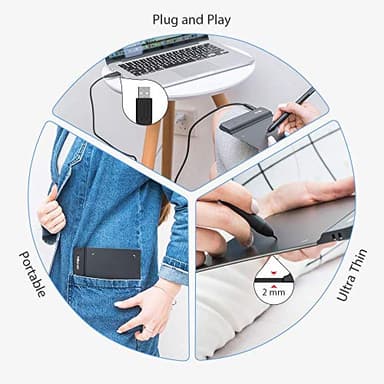
- ▶Ultra-portable: Only 2mm thick, it’s easy to toss in your bag for classes, Zoom meetings, or coffee shop sessions.
- ▶Chromebook-friendly!: Finally, a tablet that works flawlessly with Google tools like Jamboard and Keep—ideal for e-learning or remote work.
- ▶Multipurpose champ: From doodling in OneNote to rocking OSU! games, this thing does it all.
And the price? It’s already a killer deal—no coupon needed! Grab this before it’s gone. Your next masterpiece (or work doc) will thank you. ✨
P.S. It’s slim, smart, and seriously under $40. What’s not to love?
Key Features
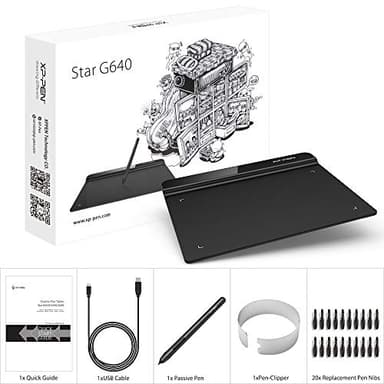
- ▶Battery-Free Pen: StarG640 drawing tablet is the perfect replacement for a traditional mouse! The XPPen advanced Battery-free PN01 stylus does not require charging, allowing for constant uninterrupted Draw and Play, making lines flow quicker and smoother, enhancing overall performance
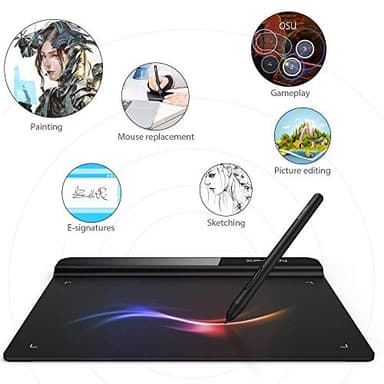
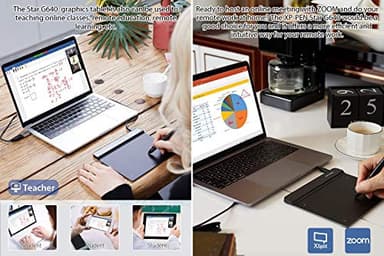
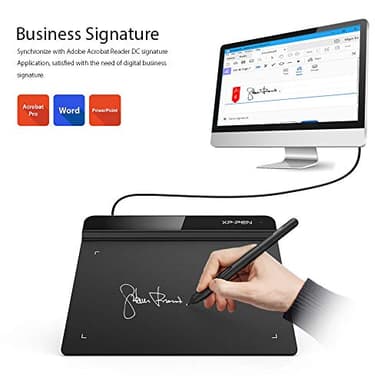
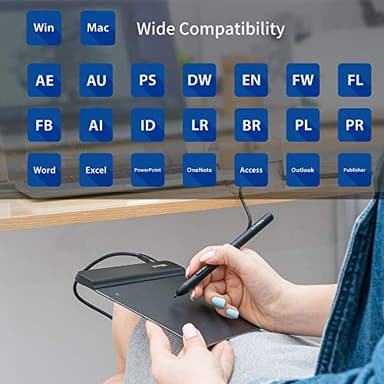
- ▶Ideal for Online Education: XPPen G640 graphics tablet is designed for digital drawing, painting, sketching, E-signatures, online teaching, remote work, photo editing, it's compatible with Microsoft Office apps like Word, PowerPoint, OneNote, Zoom, Xsplit etc. Works perfect than a mouse, visually present your handwritten notes, signatures precisely
- ▶Compact and Portable: The G640 art tablet is only 2 mm thick, it's as slim as all primary level graphic tablets, allowing you to carry it with you on the go
- ▶Chromebook Supported: XPPen G640 digital drawing tablet is ready to work seamlessly with Chromebook devices now, so you can create information-rich content and collaborate with teachers and classmates on Google Jamboard’s whiteboard; Take notes quickly and conveniently with Google Keep, and effortlessly sketch diagrams with the Google Canvas
- ▶Multipurpose Use: Designed for playing OSU! Game, digital drawing, painting, sketch, sign documents digitally, this writing tablet also compatible with Microsoft Office programs like Word, PowerPoint, OneNote and more. Create mind-maps, draw diagrams or take notes as replacement for mouse
![Hendari 2025 [Apple MFi Certified] (iOS Only) Air Tags 4 Pack, Bluetooth Tracker and Key Finder Compatible with Apple Find My, Works Like AirTags for Luggage/Suitcases/Backpack, Replaceable Battery](/_next/image?url=https%3A%2F%2Fm.media-amazon.com%2Fimages%2FI%2F41l5P1M5V0L._SL500_.jpg&w=640&q=75)