Phomemo Portable Printers Wireless for Travel, M08F Inkless Thermal Printer Support for 8.5"x11" US Letter, Small Bluetooth Printer Compatible with Phone, Laptop for Car, Office, Home Use, School
Price History
Product Recommendation
Phomemo M08F Portable Thermal Printer – Print Anywhere, Anytime!
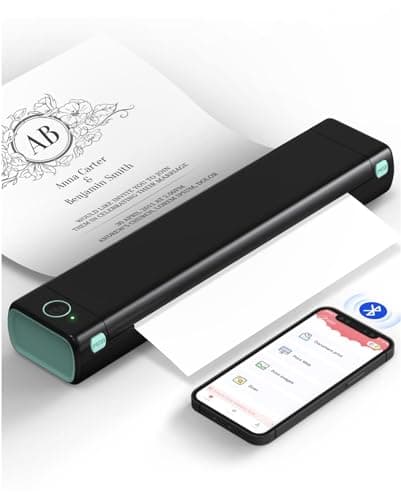
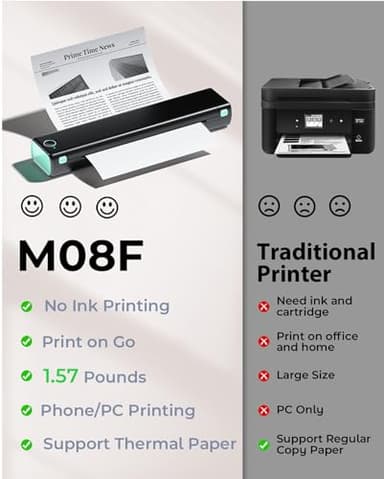
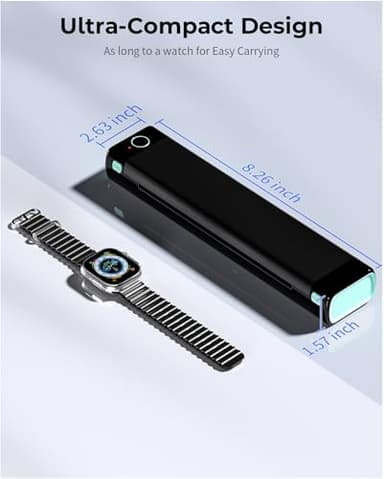
Say goodbye to bulky printers and messy ink cartridges! The Phomemo M08F Portable Thermal Printer is your ultimate on-the-go printing solution. Weighing just 1.5lbs, this compact and lightweight printer fits effortlessly into your bag, briefcase, or even your car—perfect for professionals, students, travelers, and busy individuals who need instant printing wherever they are.
Key Features:
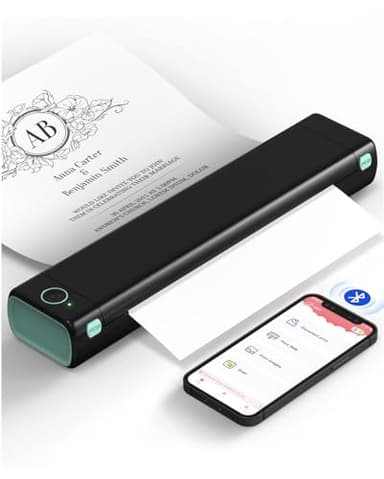
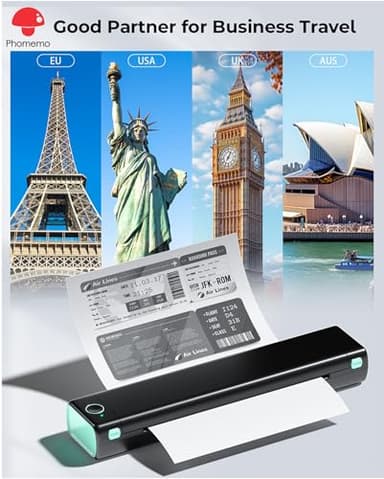
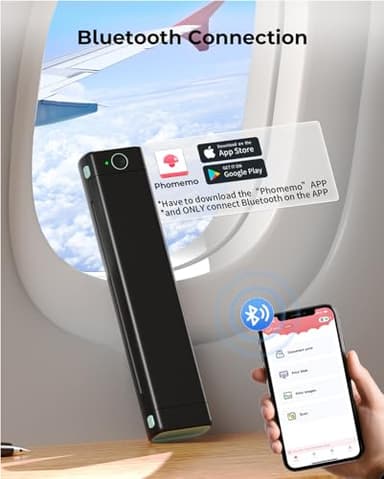
✔ Bluetooth Wireless Printing – Easily connect via the Phomemo app (iOS/Android) and print documents, contracts, invoices, boarding passes, or photos in seconds—no cables needed! (Note: Requires the Phomemo app for Bluetooth pairing.)
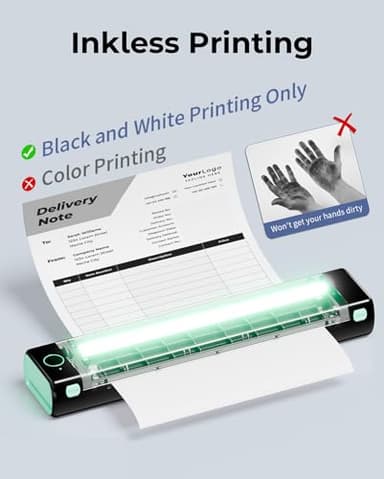
✔ High-Quality Thermal Printing – Enjoy crisp, smudge-free black-and-white prints with smooth results every time. No fading or smearing—just professional-quality output on demand.
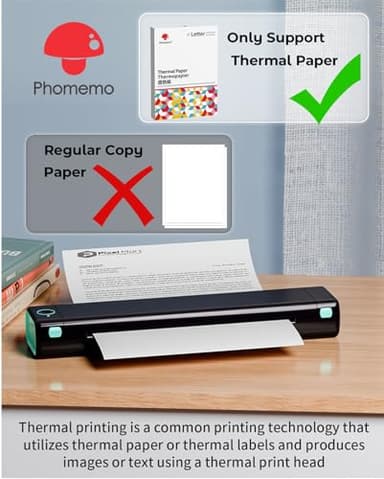
✔ Inkless & Hassle-Free – Unlike traditional printers, the M08F uses thermal paper, eliminating the need for expensive ink cartridges or toner. Just load thermal paper (each sheet costs only $0.12) and start printing instantly! (Note: Does not support regular copy paper.)
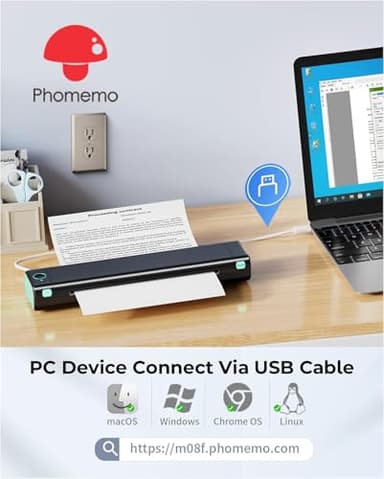
✔ Long-Lasting Battery & Strong Compatibility – With a built-in rechargeable battery that prints up to 140 sheets per charge, you’ll never run out of power mid-task. Print directly from your phone (PDFs, Word docs, images) or connect via USB for computer printing (PC requires driver download).
✔ Perfect Gift Idea – Ideal for professionals, students, artists (DIY drawings!), and travelers—this sleek printer makes a practical yet thoughtful gift for any occasion.
Exclusive Savings:
📌 Now Only $94.99 (Regular Price: $136.99) – Save big on this must-have portable printer!
Easy Setup:
1️⃣ Power on the printer
2️⃣ Download the Phomemo app
3️⃣ Pair via Bluetooth in seconds
4️⃣ Start printing instantly!
Whether you're closing deals at a café, submitting assignments last-minute at university, or printing travel documents on-the-fly—the Phomemo M08F ensures you’re always prepared. Lightweight, wireless, and worry-free—get yours today and
Key Features
- ▶Portable Printer [Compact and Space-saving Design]: Portable thermal printer weighs only 1.5lb, able to fit in your bag or briefcase for easy transporting and surprisingly light for long commute times. our travel printer great concept for on-go printing from anywhere needed, like if traveling for photos, work, business, office, home, car, or university for example.You can print documents, contracts, invoices and boarding passes anytime, anywhere. Phomemo M08F Thermal Printer is your perfect companion.
- ▶Bluetooth Printer [Go Wireless by Bluetooth]: Get the "Phomemo" app from Google Play or Apple Store to print via Bluetooth on your portable thermal printer for iOS and Android. (Note: Mobile devices cannot be directly connected to Bluetooth and need to be used through the Phomemo app.)
- ▶Wireless Printer [High Quality Printing]: The M08F Bluetooth thermal printer provides superior print clarity resulting in hassle-free printing- high quality crisp, dark imaging and smooth printing effects, and fast processing. Note: Only support black and white printing
- ▶Inkless Printer [nkless Printing]: Bluetooth printer use thermal technology - doesn't require ink, toner, or ribbons, no ink-related blockages and cleaning issues. Instead, you only need to replace the thermal paper and you're good to go, each thermal paper costs only $0.12, cheaper than ink cartridges + paper. (Note: different from a traditional printer, requires a special paper (Thermal Paper) in order to utilize it., not support regular copy paper)
- ▶Small Printer [Strong Compatibility]: Built-in large rechargeable battery, print 140 sheets of 8.5'' x 11'' thermal paper per charge. Print PDF, Word, Images, Web from your phone—whenever, wherever. You can also use a USB cable to connect for computer printing; (PC devices only work with USB connection, need to download the driver first: m08f.phomemo.com)
- ▶【How to Print on Phones】1.) Power on printer. 2.) Download the “Phomemo” from your app store. 3). Enable Bluetooth on your phone > return to the Phomemo app & and click to add device. 4.) Selected the M08F (for this model)- wait for one second you should be connected. It took not even 5 minutes to set up and print. **If pairing took too long - reboot the printer by holding the power button down then back on again & and return to the app to pair. It was so easy to set up.Go Wireless by Bluetooth
- ▶Perfect Gift : Phomemo portable thermal printer can print clear image, DIY drawings and Files. It's perfect for busy professionals and school students. Easy to carry, making it as a perfect gift and suprise for your families and friends.