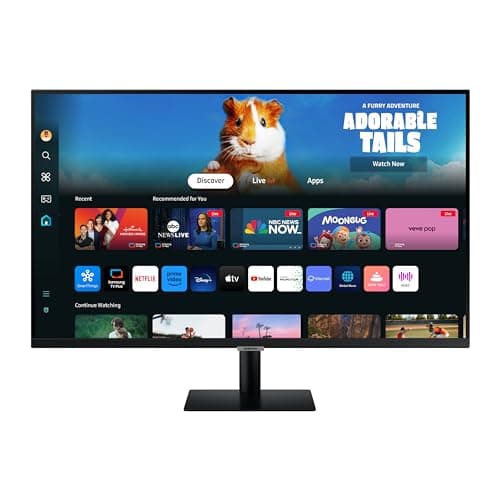
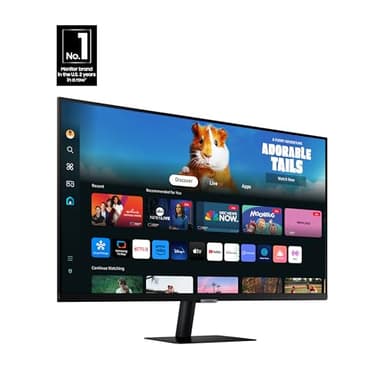
SAMSUNG 32-Inch M5 (M50D) Series FHD Smart Monitor with Streaming TV, Speakers, HDR10, Gaming Hub, Multiple Ports, Workout Tracker, Vision Accessibility Tools, LS32DM500ENXGO, 2024
By Samsung
Last checked 6mo ago
(384 reviews)
0
$249.99$299.9917% off
ASIN:
B0D1DSFJJS
Product ID:
23226
Price History
Current Price
$
Highest Price
$-Infinity
Lowest Price
$Infinity
Product Recommendation
Hey friend! If you’re in the market for a versatile screen that does it all—this Samsung 32-inch Smart Monitor is your new BFF! Right now it’s $299.99, and while it’s back to its regular price, this deal still feels like a steal for what you get.
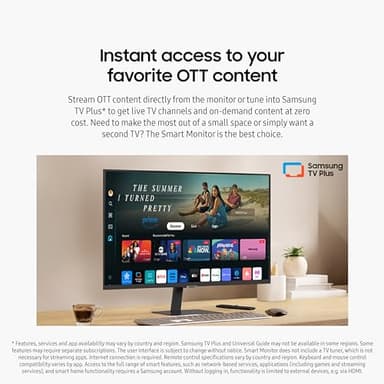
- ▶Double duty for tiny spaces? Say goodbye to clutter! Stream your favorite shows or use it as a second TV—all while gaming, working, and tracking your health in one sleek package.
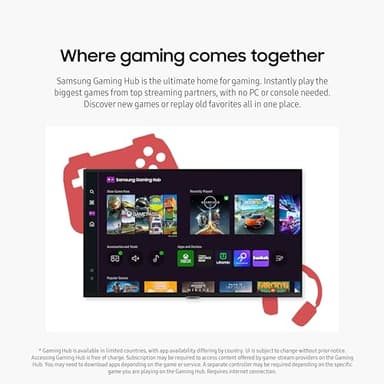
- ▶Gaming without the hassle: The Gaming Hub lets you play big-name games directly on the monitor, no PC or console required. Perfect for quick sessions or cozy setups.
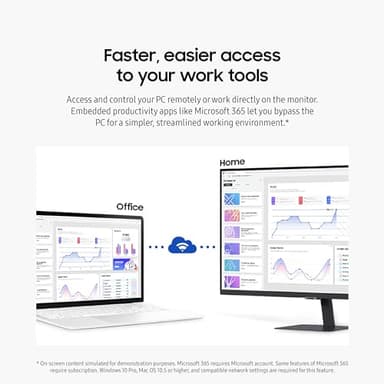
- ▶Work smarter, not harder: Access Microsoft 365 apps right on the screen and control your PC remotely. Who needs a desk full of gadgets?
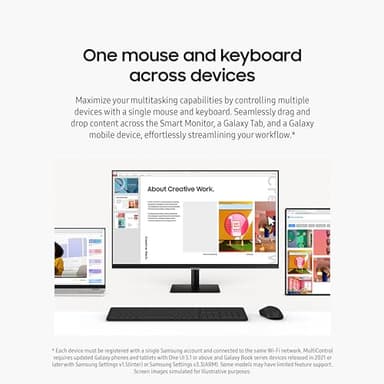
- ▶Multitasking magic: Use one mouse/keyboard to drag and drop between this monitor and your Galaxy devices. Finally, a setup that won’t make you crazy.
Plus, it’s packed with HDR10 for vibrant visuals, tons of ports (no adapters!), and even helps manage your smart home via that sweet 3D Map View. Pair it with a Galaxy Watch to track workouts while binge-watching. And for low-vision users? Vision Accessibility Tools make it
Key Features
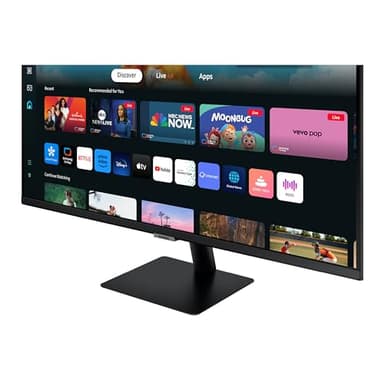
- ▶ACCESS TO OTT CONTENT: Stream OTT content directly from monitor or tune into Samsung TV Plus¹ to get live TV channels & on-demand content at no cost; Need to make the most out of a small space or want a 2nd TV? The Smart Monitor is the best choice
- ▶WHERE GAMING COMES TOGETHER: Samsung Gaming Hub is the ultimate home for gaming; Instantly play the biggest games from top streaming partners, with no PC or console needed; Discover new games or replay old favorites all in one place²
- ▶EASIER ACCESS TO YOUR WORK TOOLS: Access & control your PC remotely or work directly on the monitor; Embedded productivity apps like Microsoft 365 let you bypass the PC for a simpler, streamlined working environment³
- ▶1 MOUSE & KEYBOARD ACROSS DEVICES: Maximize multitasking by controlling multiple devices with one mouse and keyboard; Seamlessly drag & drop content across the Smart Monitor, a Galaxy Tab & Galaxy mobile device, streamlining your workflow⁴
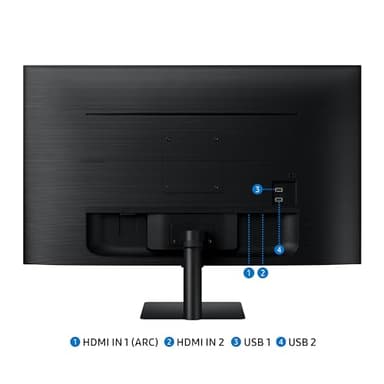
- ▶MULTIPLE CONNECTIONS FOR YOUR DEVICES: Connect easily and create your customized setup using HDMI and USB-A ports without any adapters; Plug in to charge, transfer or create your ideal multiscreen station
- ▶SIMPLE CONTROL FOR YOUR SMART HOME: See all your smart home devices in a new 3D Map View, for an easier way to manage devices in different rooms; See energy, usage and costs by device & save money by turning on energy-saving modes⁵
- ▶MONITOR YOUR WORKOUTS: Stream workout content or run your own workout while watching TV on the Smart Monitor; Pair your Galaxy Watch to track real-time health data on the screen, while keeping streaming content on⁶
- ▶DESIGNED FOR LOW VISION USERS: Designed with accessibility in mind, it comes equipped with tools that help low vision users see and use the screen more easily, including screen magnification, color switching and audio descriptions for TV settings⁷